

A camera system needs a complete network plan
For a home security system in Perth, a clear camera picture is only part of the decision. A wired UniFi installation also needs a route for the cable, enough power, somewhere to record and a way to retrieve footage. Plan those items together before comparing camera packages.
A basic indoor alarm and a camera network cover different tasks. The alarm may report an entry or indoor movement. A camera can provide a view of a visible approach. Keeping a suitable alarm can make sense when you also want outdoor footage.
Define the approach you want to see
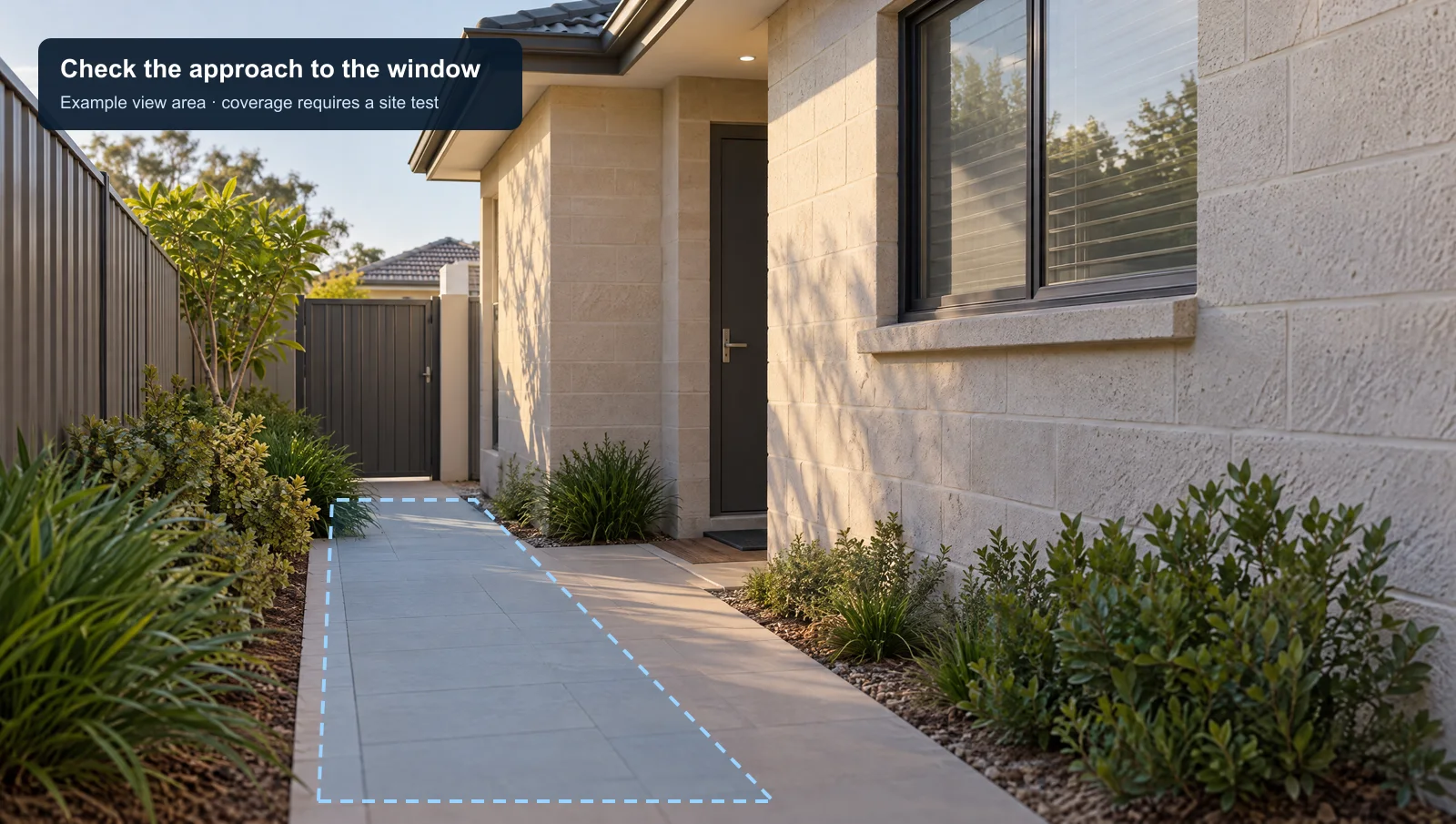
Protect detection zones select areas within a camera view. Ask for the intended approach to be demonstrated on the actual scene. A zone cannot see around a shed, through a wall or past a vehicle that blocks the view.
A basic indoor-only alarm has no outdoor sensor to cover that route. An alarm designed with outdoor detection can cover approaches too. Compare the equipment in each proposal, rather than treating all alarms as one fixed design.
Record each camera’s purpose on the plan: front path, side access or driveway activity. Avoid using a wide view as proof that useful detail will be available at every distant point.
Check ports, power and cable routes
Ubiquiti’s Protect requirements include compatible hosting hardware and camera connectivity. PoE carries power and data over Ethernet for supported wired cameras. A spare network socket alone does not establish that the connected switch can supply the required power.
Check each camera’s requirement, the switch’s available budget and the other devices sharing it. Agree how outdoor sections and building entries will be finished. Have existing cabling assessed instead of assuming an old alarm cable can become an Ethernet run.
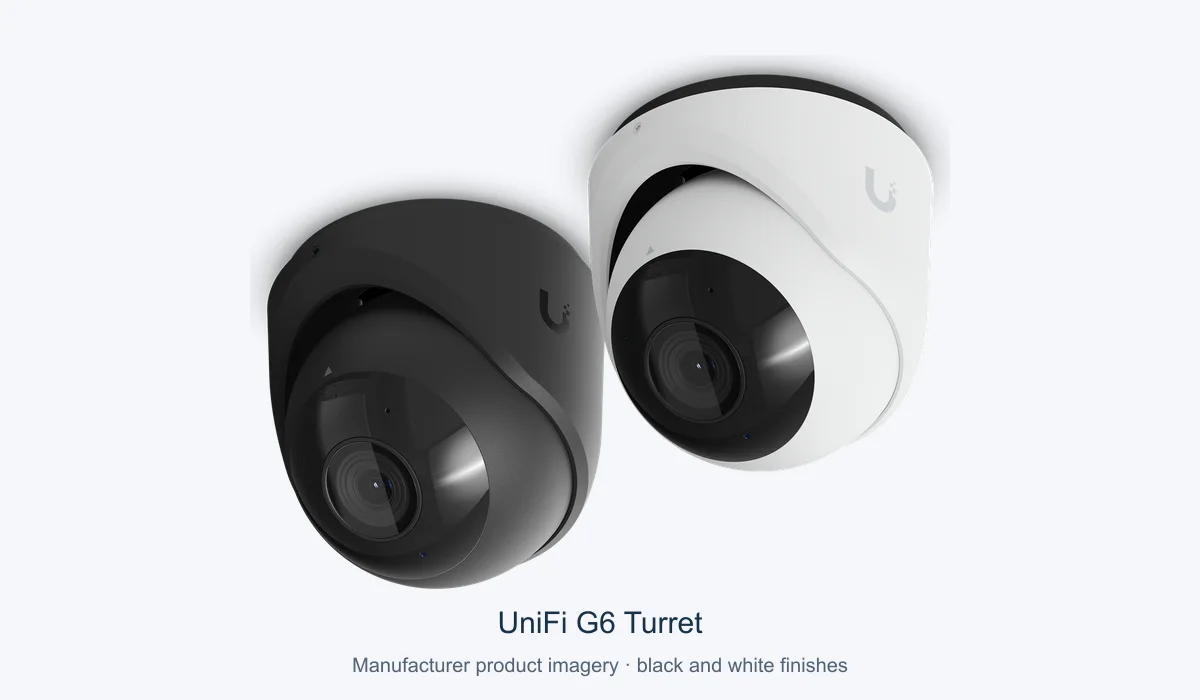
For context, the G6 Turret manufacturer specification lists PoE and a maximum draw of 12.5 W. Use the final equipment list for the budget; this example does not size a whole system.
Our structured cabling service explains the physical network work. A network rack may help where several devices need an organised, accessible location.
Separate local recording from remote viewing
UniFi Protect stores recordings locally on its hosting equipment. For a locally connected design, assess the powered camera, switch, recorder and storage as one recording path. Remote access also depends on connectivity; Ubiquiti’s troubleshooting guidance distinguishes camera connectivity from viewing issues.
Ask the installer to test the agreed behaviour during an internet outage and a controlled loss of mains power. A UPS only supports the devices connected to it, for its available runtime. A powered recorder is not enough if the camera’s PoE switch has stopped.
Choose a recording mode and retention requirement before accepting a storage estimate. Confirm who can play back and export footage. If there is an existing monitored alarm, discuss its communication and battery arrangements with its service provider.
| Item | Ask for | Why it matters |
|---|---|---|
| Cable route | A marked route to each selected view. | The mounting location must be practical to reach. |
| PoE | Per-port compatibility and the full power budget. | All selected devices need an adequate supply. |
| Recorder | Compatible host, storage and recording settings. | Camera count alone does not define retention. |
| Outage behaviour | A test covering cameras, switch, recorder and remote access. | Recording and receiving an alert are separate checks. |
Source: help.ui.com
Test the result you actually need
Walk the routes that matter, retrieve the resulting events and inspect low-light footage. Then test notifications from a phone away from the property. A recorded event and a received alert are different outcomes and should both be demonstrated.
The Waikiki home network and rack project shows documented network infrastructure. It is not a measured comparison of alarm and CCTV effectiveness, and it should not be used as one.
Send your existing equipment list and proposed camera locations with a UniFi Protect enquiry. Include any home-office networking changes so the combined scope can be checked before work begins.
Useful answers
Can existing alarm wiring power a PoE camera?
Do not assume it can. Have the cable type, route and termination assessed for the selected network equipment.
Will a UPS keep every camera working?
Only if the design supplies the necessary cameras, PoE equipment and recorder, with adequate capacity and runtime. Ask for the actual outage test and limitations.